Step 1
Style one clip the way you like it
Set up a clip first: caption style, title, logo, music, filters, effects and frame.
Step 2
Save the look
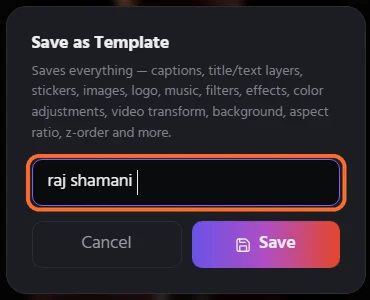
Click Templates in the left toolbar, then Save current as template. Type a name and click Save.
Step 3
Apply it to another clip
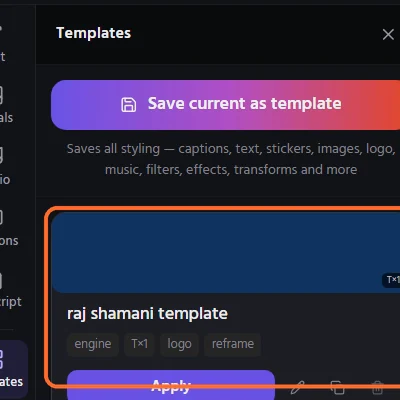
Your template appears in the list with what it contains. Open your next clip and click Apply. You can also rename, copy or delete it there.
Tips
- Make one template per series (for example one for podcast clips and one for quotes), so every post in it looks the same.
- Templates are kept in this browser. For a look that follows you on every device, use the Brand kit.
Questions
What does a template keep?+
Captions and their style, text layers, stickers, images, logo, music, filters, effects, colour adjustments, the video frame, the background and the canvas shape.
How many templates can I keep?+
Up to 50.