Step 1
Turn on B-roll
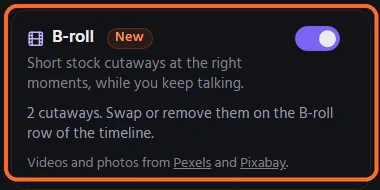
Click Visuals in the left toolbar. B-roll is at the top: switch it on.
Step 2
Check the credits
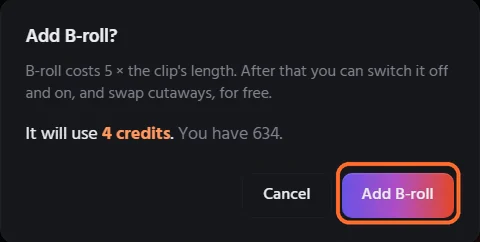
Klipzam shows how many credits it will use before anything happens: 5 × the clip’s length, once. Click Add B-roll.
Step 3
Watch the cutaways
The cutaways appear on the B-roll row of the timeline and cover the video for a moment while your voice and captions keep going. Click one on the B-roll row to swap or remove it.

Tips
- Talking-head clips with stories or examples get the best cutaways.
- Swapping or removing a cutaway is free once B-roll is on.
Questions
Where do the cutaways come from?+
Free stock videos and photos from Pexels and Pixabay.
Is B-roll in the exported video?+
Yes. Clips with B-roll export pixel-exact, so they look as they do in the editor.