Step 1
Turn on Smart Mix
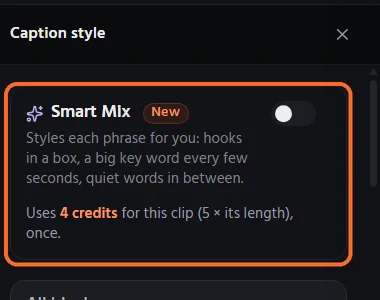
Click Caption in the right-hand toolbar. Smart Mix is at the top: switch it on and confirm. It costs 5 × the clip’s length in credits, once; after that, switching it off and on is free.
Step 2
Pick a theme
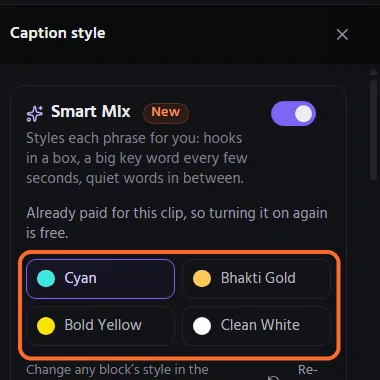
Choose Cyan, Bhakti Gold, Bold Yellow or Clean White. Re-apply styles the clip again from scratch.
Step 3
Play it
Hooks sit in a box, key words pop big, and the words in between stay quiet so the caption is easy to read.

Step 4
Change any block
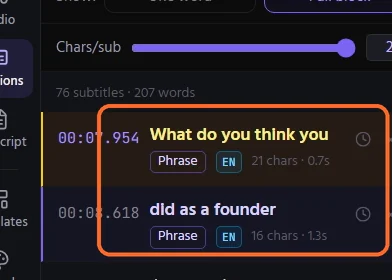
In the Captions list each block shows its style: Phrase, Quiet, Pop or Quote. Click it to switch to the next style.
Tips
- Smart Mix works for Hindi, English and Hinglish captions.
- Choosing a normal caption style for the whole clip replaces Smart Mix; styling one block keeps it.
Questions
How much does Smart Mix cost?+
5 × the clip’s length in credits, once per clip. Switching it off and on again is free.
Can I undo it?+
Yes. Switch Smart Mix off and your earlier look comes back.