Step 1
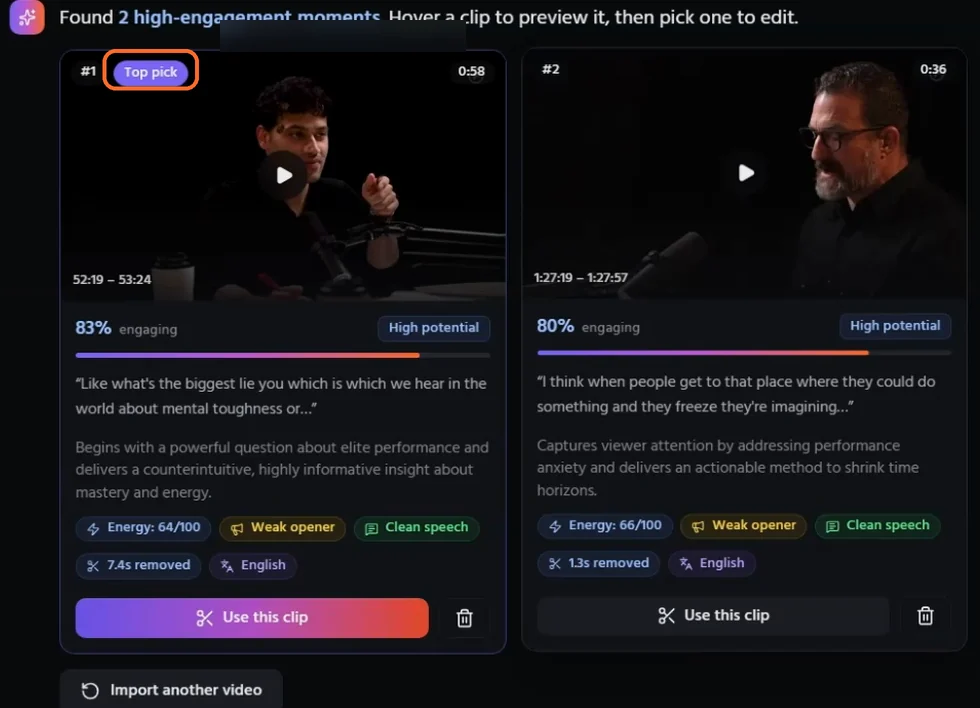
Your clips appear best first
When Klipzam has finished, your clips appear as cards with the highest score first. The best one is marked Top pick. Each card shows the clip’s length and where it comes from in your video.
Step 2
Read the engagement score
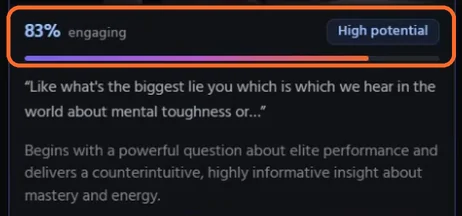
The percentage is how strongly the AI rates the clip. High potential means 80% or more, Medium 55% or more. Below it are the clip’s first words and the AI’s one-line reason for picking it.
Step 3
Check the badges
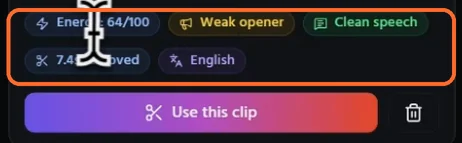
Energy is how lively the audio is compared with the loudest part of your video. The opener badge says how strongly the first sentence grabs attention. Clean speech, Some fillers or Heavy fillers show how many filler words are left. "s removed" is how many seconds of pauses and filler words Klipzam cut, and the last badge is the language. If you gave a topic in the Clip Brief, a Keyword match badge shows the words it found.
Step 4
Preview a clip
Hover a clip to play it. The preview skips the pauses Klipzam cuts out, so you hear the clip as it will be.
Step 5
Open the one you want
Click Use this clip to open it in the editor. The bin icon next to it deletes a clip you don’t want, and Import another video starts a new one.
Tips
- A Weak opener is easy to fix: add a title or hook in the editor so the first second still grabs attention.
- Want different clips? Change the Clip Brief (length, mood, topic) and run the video again.
Questions
How does Klipzam choose the clips?+
It rates the moments in your video (or the part you chose) from the transcript and the audio: energy, how strongly a clip opens, filler words and your Clip Brief. An AI judge then reviews the strongest moments, and the best ones become your clips.
What does Top pick mean?+
It is the clip with the highest engagement score in this video.
What if no clip fits my length range?+
Klipzam still shows the best clips and marks them "Outside your length range", so you can choose or change the Clip Brief.