Step 1
Open Support
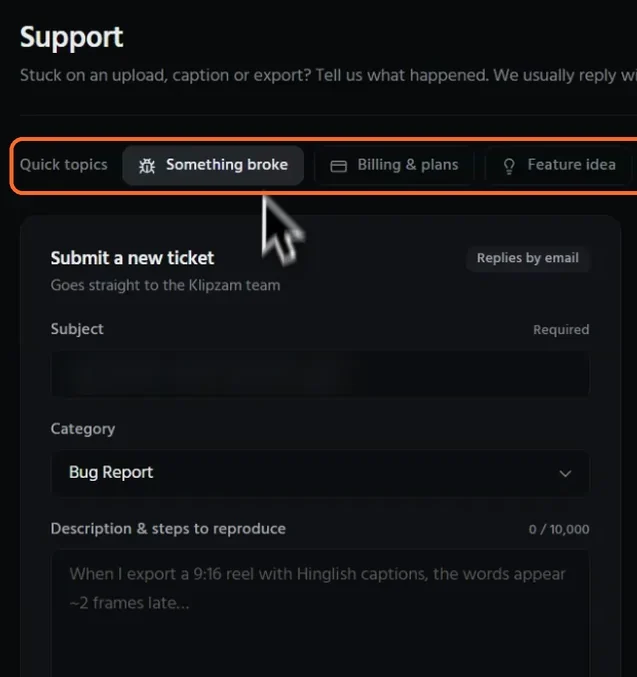
Click Support in the left menu. Quick topics (Something broke, Billing & plans, Feature idea, Account help) fill in the right category for you.
Step 2
Describe what happened
Write a short subject, choose the category and describe what happened and what you expected (at least 20 characters). Drop in screenshots if they help: PNG, JPG, WEBP or GIF, up to 5 MB each, 5 files at most.
Step 3
Submit and follow the ticket
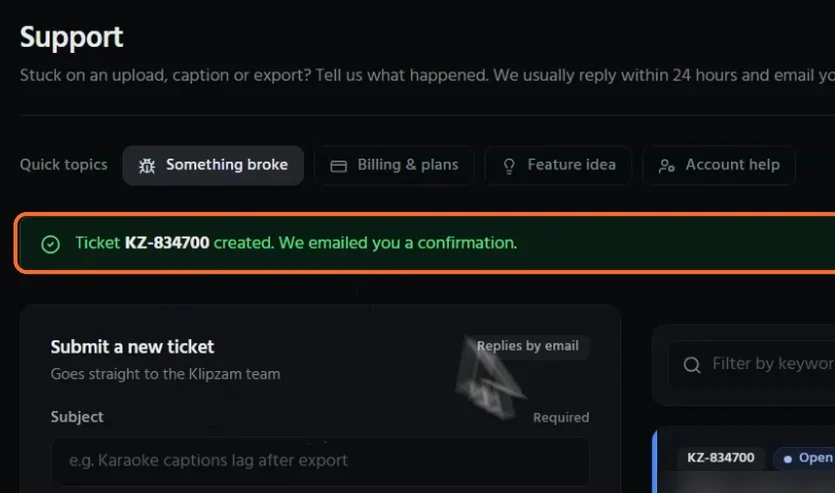
Click Submit ticket. You get a ticket number and an email confirmation, and the ticket appears in your list with its status (Open, In progress, Resolved). Open it to read the reply and answer in the same thread.
Tips
- Say what you clicked, what you expected and what happened instead. A screenshot of the error saves a round trip.
Questions
How fast do you reply?+
Usually within 24 hours, and we email you when we do.
Can I add more information later?+
Yes. Open the ticket and reply in the same thread; you can attach screenshots there too.